



Maisonroll Mobile Access
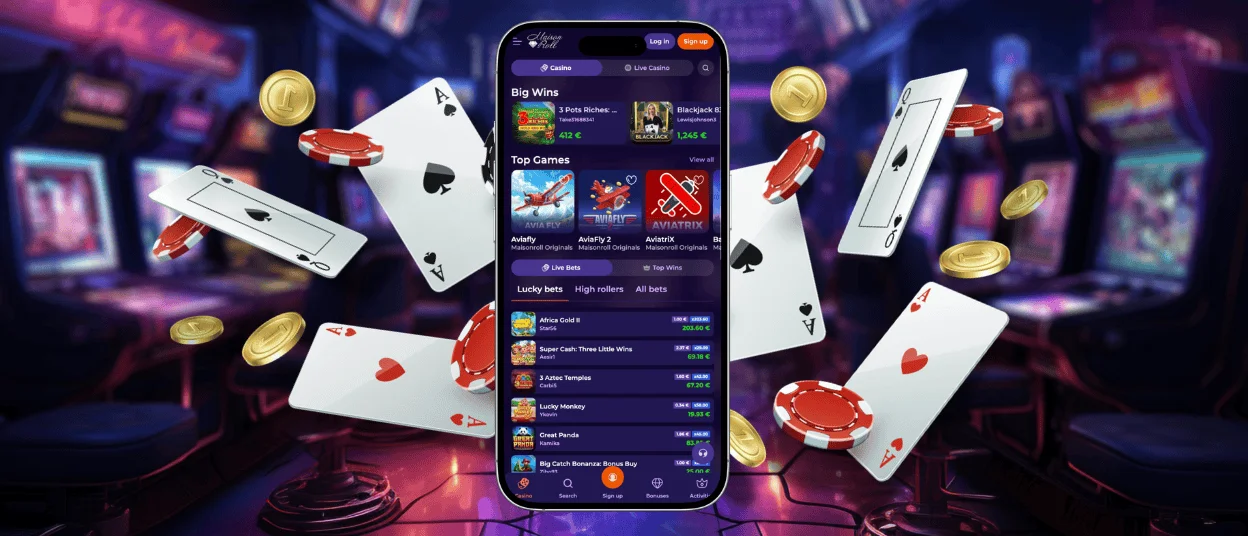
If you want instant access to online slots and live real-money games, the Maisonroll app is an ideal choice. Our solution runs on any modern Android or iOS smartphone. You get a full mobile casino experience with daily tournaments and ongoing promotions.



Using Maison Roll Casino on Mobile
You can access Maisonroll Casino from your phone in two ways: via the website or the app. Any browser works for the mobile site. If you have installed the latest updates for Chrome or Safari, our platform will be fully optimized for you and launch fast.
You can also add the Maisonroll app to your device’s home screen. This lets you skip the browser entirely and load slots quickly. In the mobile version, you can also make deposits and withdrawals or manage your account. All changes are saved automatically to your profile.
Gameplay on a mobile gadget differs from the PC experience at Maisonroll Casino in a few key aspects:
| Aspect | Maison Roll app | PC browser version |
| Quick login | Takes just a couple of taps on your phone screen. | You have to wait for the PC to start and then open a browser window. |
| Session length | You can easily spin reels a few times when you have a spare minute. Play longer if your battery allows. | Ideal for long sessions because of a constant power supply and a large screen. |
| Game controls | Most titles can be played with one hand. Live games use convenient drop-down menus for bets. | You rely on mouse clicks in slots and crash titles. PC is more practical for games with many bet types like roulette or craps. |
| Multitasking | Limited by the app interface. | You can open several pages at once to play a game and review bonuses simultaneously. |
Maisonroll App for Android
If you own a Xiaomi or Samsung phone, you can access our catalog of over 6,000 games in just a couple of minutes. The same applies to any other Android device. The good news is you do not need to search for a Maisonroll APK or download extra files. Our mobile solution operates as a PWA. Here is a simple setup guide:
- Go to the official Maison Roll Casino website using any modern mobile browser.
- Tap the three dots next to your address bar.
- Select the “Add to Home Screen” option.
Once you finish, the Maisonroll app icon appears right on your home screen. You can easily move it to any folder or even hide it inside a password-protected one.
Maisonroll PWA Problems and Quick Fixes
The PWA format causes very few technical problems because it installs as a direct website shortcut. It does not take up much storage space or force you to run manual updates like standard apps usually do. However, minor errors can still happen from time to time. We prepared a list of common issues and how to solve them:
| Problem | Quick fix |
| Install button is missing | Refresh the web page and open the main browser menu. |
| App opens as a standard browser tab | Remove the old shortcut and add the site to your screen again. |
| PWA refuses to load | Check your internet connection and turn off active VPNs. |
| Games fail to launch in the app | Allow pop-ups for our site and make sure your browser is up to date. |
| Account login does not work | Enable cookies and leave private browsing mode. |
Maisonroll App for iOS
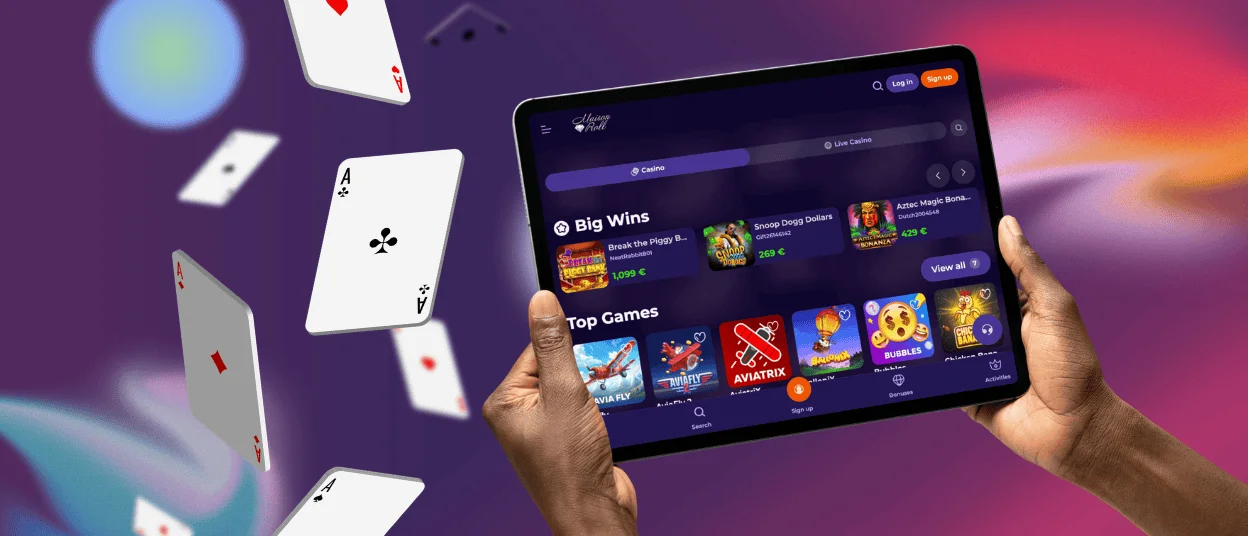
You can play at Maisonroll Casino on your iPhone or iPad. We offer all iOS users a mobile site that runs cleanly through Safari, as well as a separate app option. You can install it straight from our website. Just open Safari, tap the “Share” button, and add the Maison Roll app to your home screen.
If your smartphone runs iOS 18 or later, you can set a biometric lock on the shortcut to access the platform with Face ID. It’s also possible to pin any specific section of Maisonroll Casino directly to your home screen with the native Shortcuts app. For example, you can set it up to open right to your list of favorite slots or your current standing in network tournaments from Pragmatic Play or BGaming.
Desktop Applications for Windows and macOS
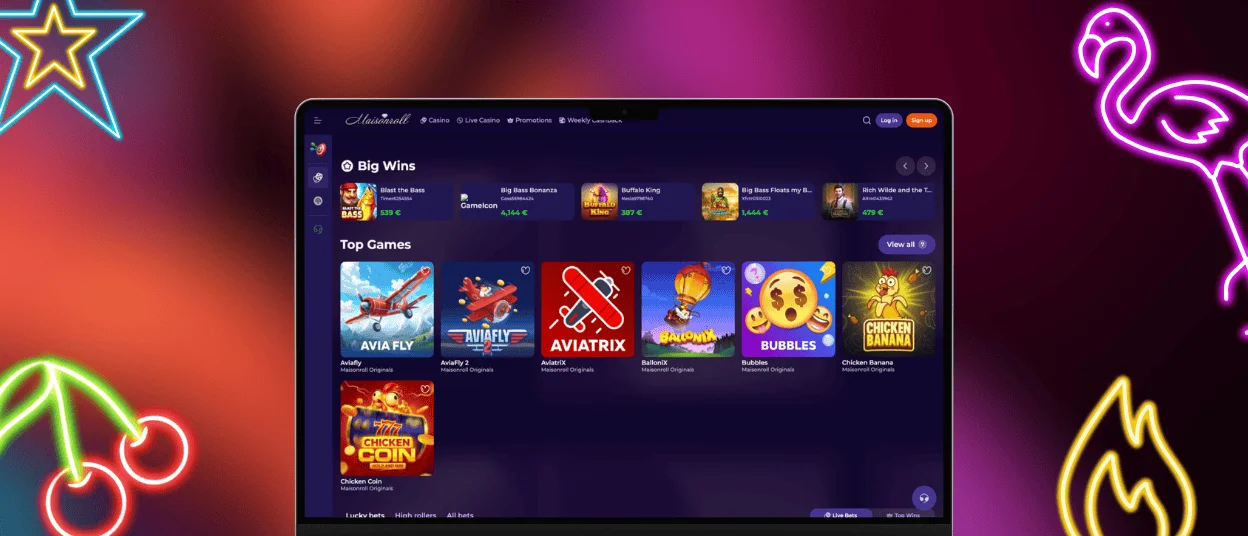
The standard browser version gives you full access to our games and features on your computer. That said, if you prefer a classic gaming experience, we offer the Maisonroll desktop app. When you visit our website on your Windows or Mac computer, an installation prompt pops up in your browser bar.
Our desktop solution lets you run the platform in a standalone, full-screen window, keeping distracting tabs out of your way. If you have any trouble setting up the PC app, contact our support team via live chat or email. Our managers will help you right away.
FAQ
Can I complete the verification process in the Maisonroll app?
Yes, you can manage your entire account from your phone, and that includes verifying your profile. Doing this in the Maison Roll app is actually easier than on a computer. You can take photos of your documents with your camera and upload them without switching to another device.
How do I update the Maisonroll Casino app?
You never have to update the PWA manually. When we release new features or bonuses on our main website, your Maisonroll Casino app receives those changes automatically. You just open the software and play.
Can I fund my account with mobile wallets?
Yes. If Google Pay or Apple Pay works in your region, you can use them for deposits. These options allow you to confirm payments instantly with your phone so you spend less time filling out card details.


